
Energy is a framework for Go to build desktop applications based on CEF
[中文](README.zh_CN.md) | English ---  [](https://github.com/energye/energy) [](https://github.com/energye/energy/releases)   [](https://goreportcard.com/report/github.com/energye/energy/v2) [](https://pkg.go.dev/github.com/energye/energy/v2) [](https://codecov.io/gh/energye/energy) [](https://github.com/energye/energy/graphs/contributors) [](http://www.apache.org/licenses/LICENSE-2.0) --- ### [Project Introduction](https://energy.yanghy.cn/course/100/6350f94ca749ba0318943f25) Energy is a framework by Golang based on CEF(Chromium Embedded Framework), embedded [CEF](https://bitbucket.org/chromiumembedded/cef) binary - [energy](https://github.com/energye/energy) is a framework developed by Golang based on CEF (Chromium Embedded Framework), embedded with [CEF](https://bitbucket.org/chromiumembedded/cef) binary - Use Go and Web technology (HTML+CSS+JavaScript) to build cross-platform desktop applications that support Windows, Linux and MacOS ### Characteristic - Rich CEF API and LCL system native widgets - Development environment is simple and the compilation speed is fast. Only need Go and Energy. - Cross-Platform: You can package your code as Windows, domestic UOS, Deepin, Kylin, MacOS and Linux - Responsibilities - Go: Go is responsible for creating Windows, configuring CEF and implementing functions, creating various UI components, calling the low level of the system and some functions that JS cannot handle, such as: file flow, security encryption, high-performance processing, etc. - Web: HTML + CSS + JavaScript is responsible for the function of the client interface, you can make any interface you want. - Front-end technology: Support mainstream frameworks, such as Vue, React, Angular or pure HTML+CSS+JS. - Event driven: High performance event driven communication based on IPC allowing intercommunication between Go and Web. - Resource loading: You can either read local resources or resources built into execution files either with or without HTTP services. ### Built-in dependency&integration - [](https://github.com/energye/golcl) - [%20CEF4Delphi-green)](https://github.com/salvadordf/CEF4Delphi) ### [Development Environment](https://energy.yanghy.cn/course/100/63511b14a749ba0318943f3a) #### Basic needs - Golang >= 1.18 - Energy (CEF, liblcl) #### Environmental installation Automatic installation development environment using the energy [command-line tool](https://energy.yanghy.cn/course/100/1694511322285207) ### Guide to Start - [Link](https://energy.yanghy.cn) * [Course](https://energy.yanghy.cn/course/100/0) * [Example](https://energy.yanghy.cn/example/200/0) * [Document](https://energy.yanghy.cn/document/300/0) ### Quick Start - Using [energy](https://energy.yanghy.cn/course/100/1694511322285207) command line tools to install the complete development environment automatically. ### Run a simple application by three steps 1. Install development environment: `energy install .` 2. Initiate an Application: `energy init .` 3. Run the Application: `go run main.go` ### sample code main.go ```go package main import ( "github.com/energye/energy/v2/cef" ) func main() { //Global initialization cef.GlobalInit(nil, nil) //Create an application app := cef.NewApplication() //Specify a URL address or local HTML file directory cef.BrowserWindow.Config.Url = "https://energy.yanghy.cn" //Run Application cef.Run(app) } ``` ### Build 1. Build:`energy build .` 2. Package:`energy package .` 3. Package Type: - windows: Using `nsis` create exe installation package - linux: Using `dpkg` create deb installation package - macos: Generate `xxx.app` ### System support    | | 32 Bit | 64 Bit | Test System Version | |-------------|--------------------------------------------------------------------------------------------|--------------------------------------------------------------------------------------------|------------------------------------| | Windows |  |  | Windows 7、Windows 10、Windows 11 | | MacOSX |  |  | MacOSX 10.15 | | MacOS M1 M2 |  |  | MacOS M2 | | Linux |  |  | Deepin20.8、Ubuntu18.04、LinuxMint21 | | Linux ARM |  |  | Kylin-V10-SP1-2107 | ### Related Projects * [CEF](https://github.com/chromiumembedded/cef) * [CEF4Delphi](https://github.com/salvadordf/CEF4Delphi) * [CefSharp](https://github.com/cefsharp/CefSharp) * [Java-CEF](https://bitbucket.org/chromiumembedded/java-cef) * [cefpython](https://github.com/cztomczak/cefpython) * [Chromium](https://chromium.googlesource.com/chromium/src/) --- ### Welcome to join join energy throwing in the process of construction, there are many things that cannot be completed alone, if there are interested students who want to participate in the realization or learning of energy, you can contact me through WeChat or QQ. If this project is helpful to you, please give me a star --- ### ENERGY QQ Group & WeChat



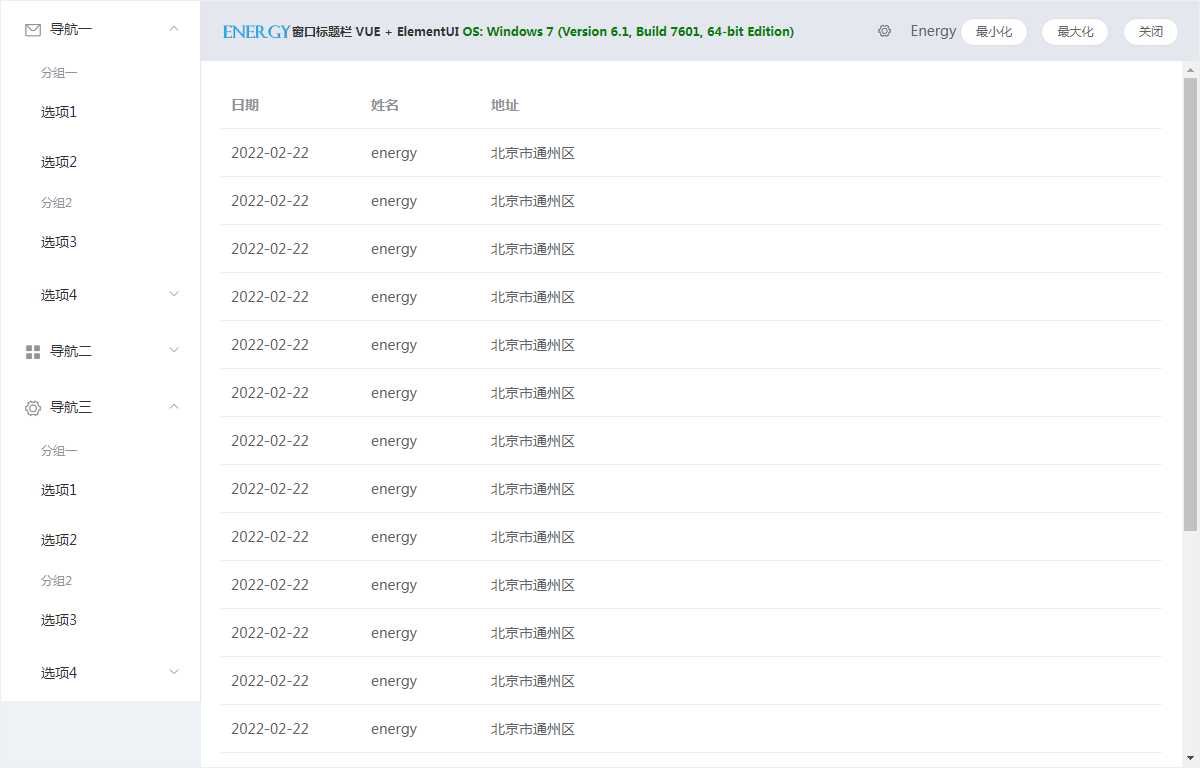
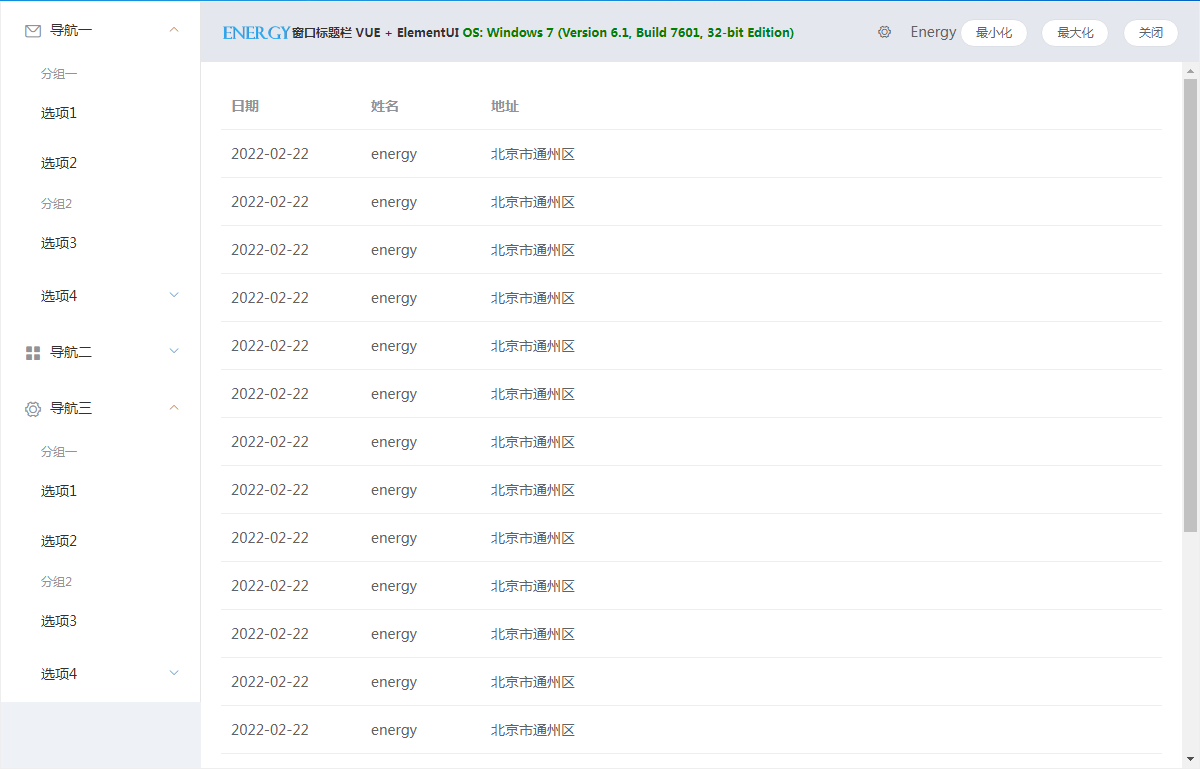
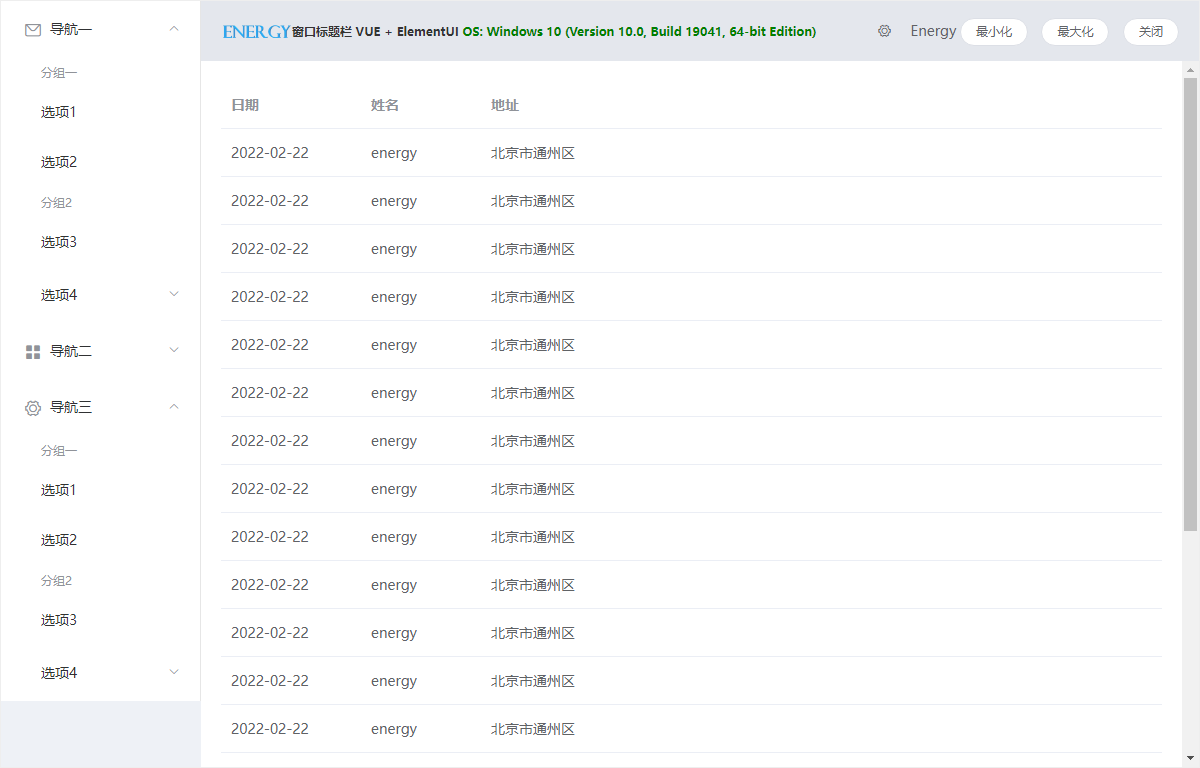 ##### Windows-7 32 & 64
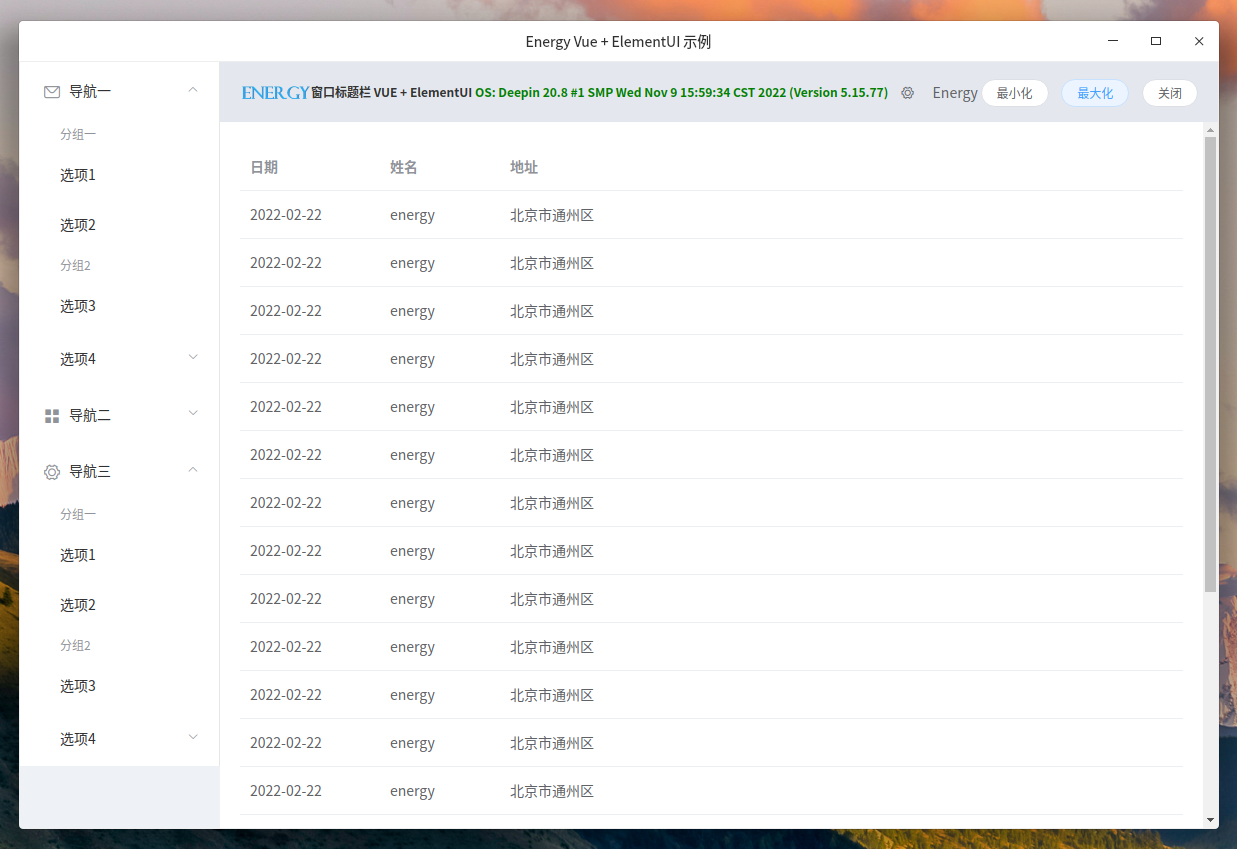
 ##### Linux - Deepin
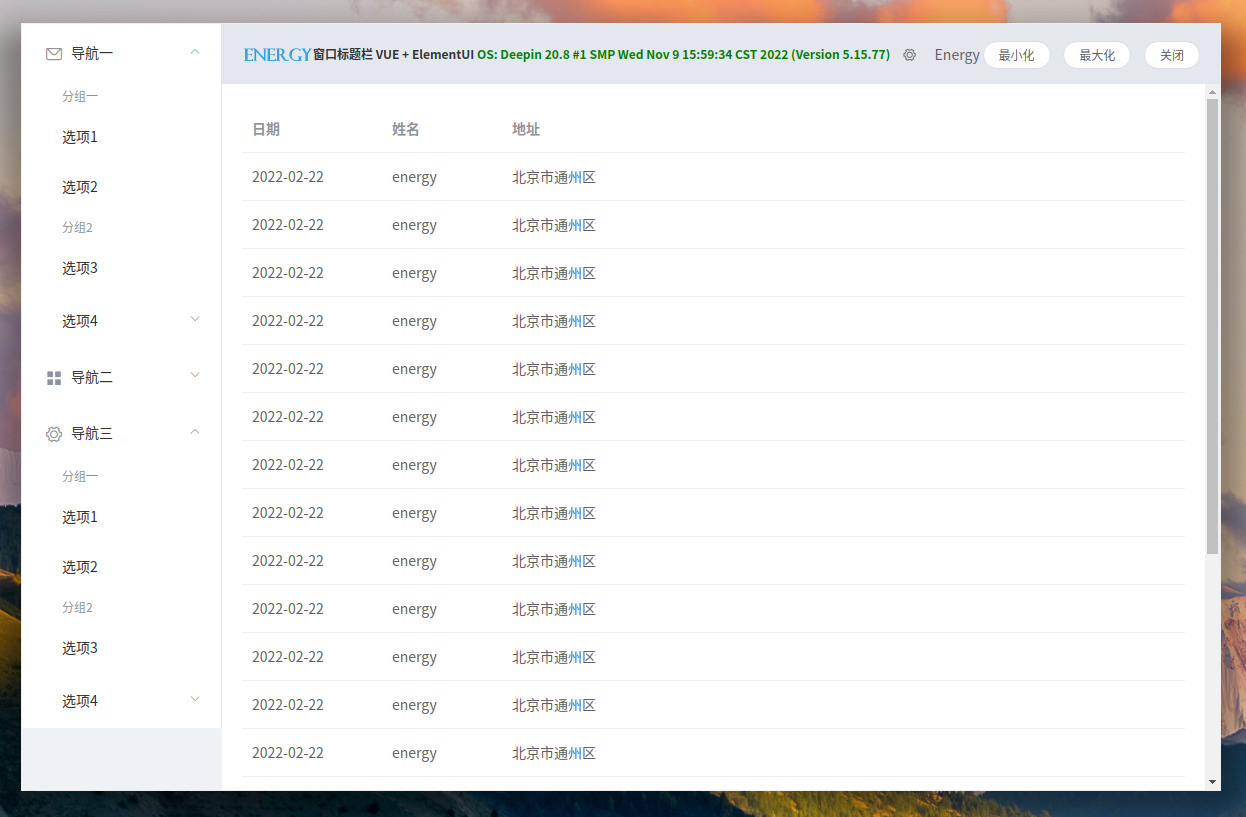 ##### Linux - Kylin ARM

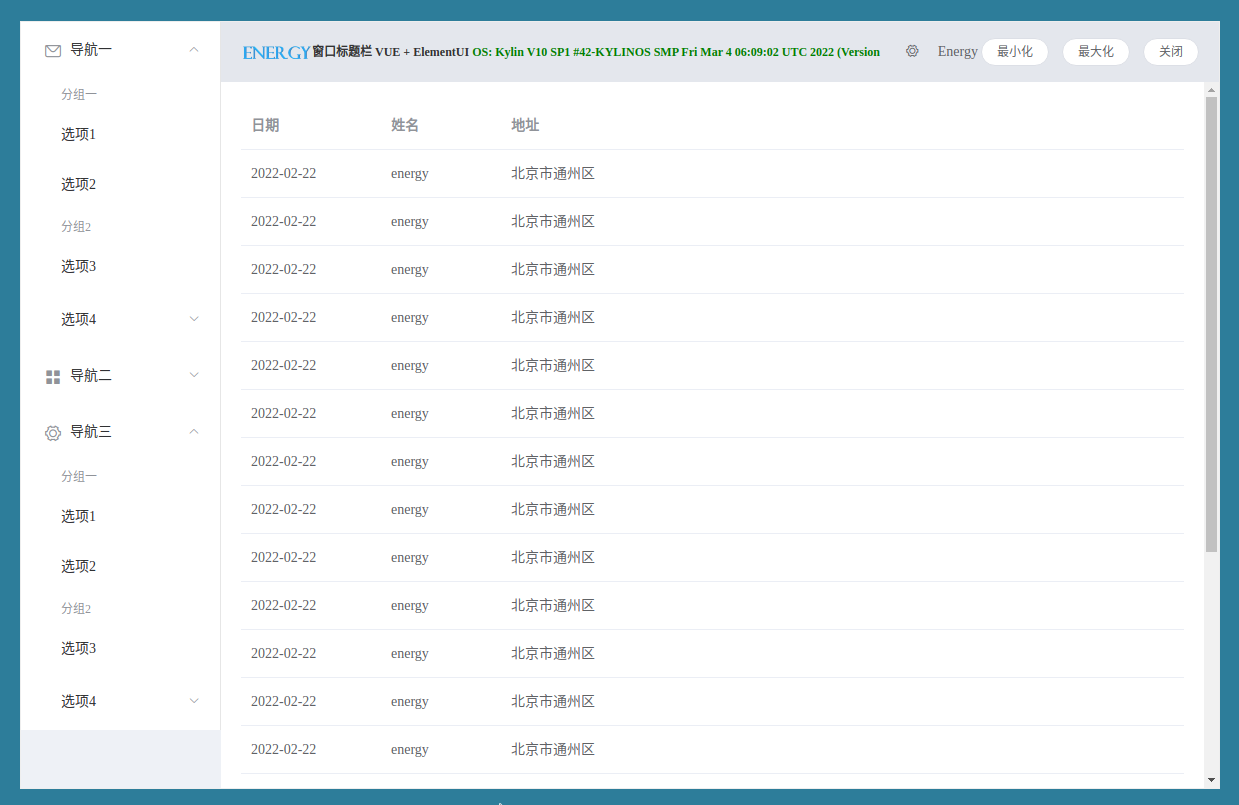 ##### Linux - Ubuntu
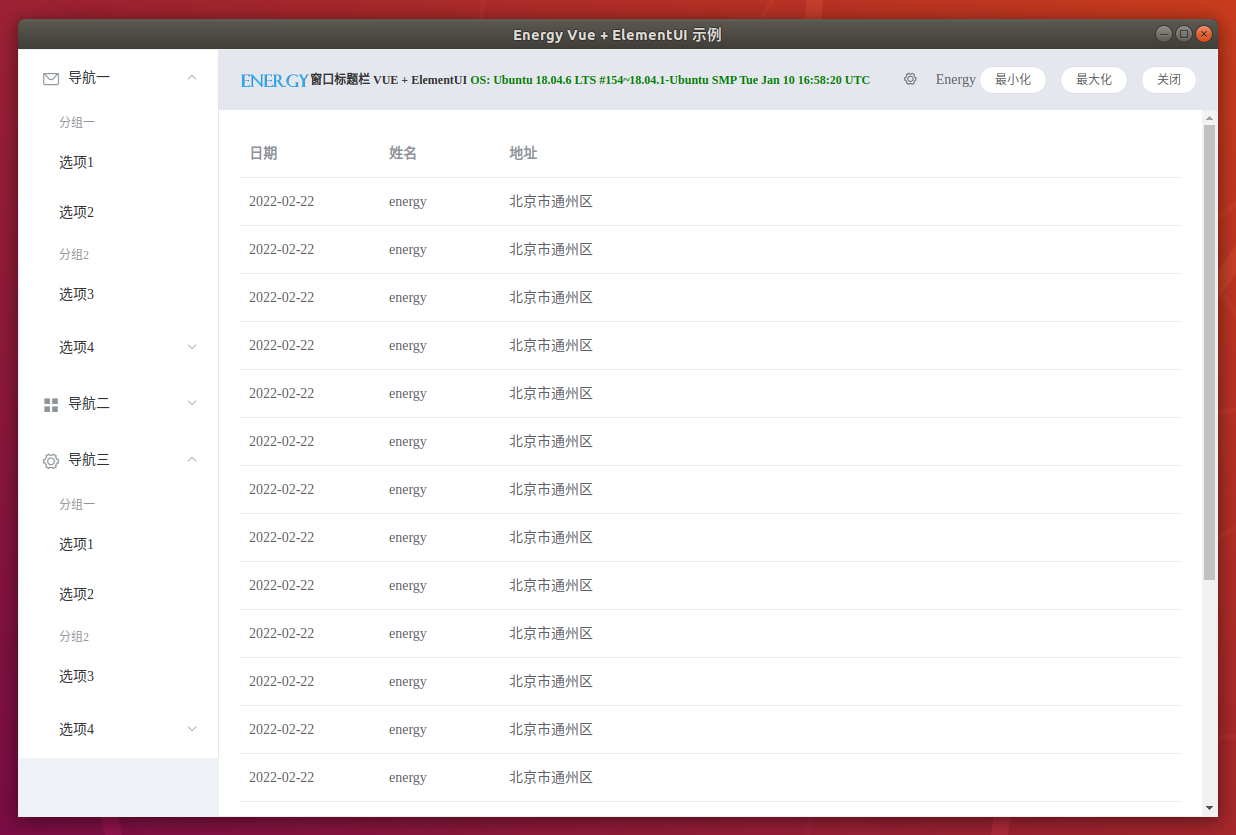
 ##### MacOSX
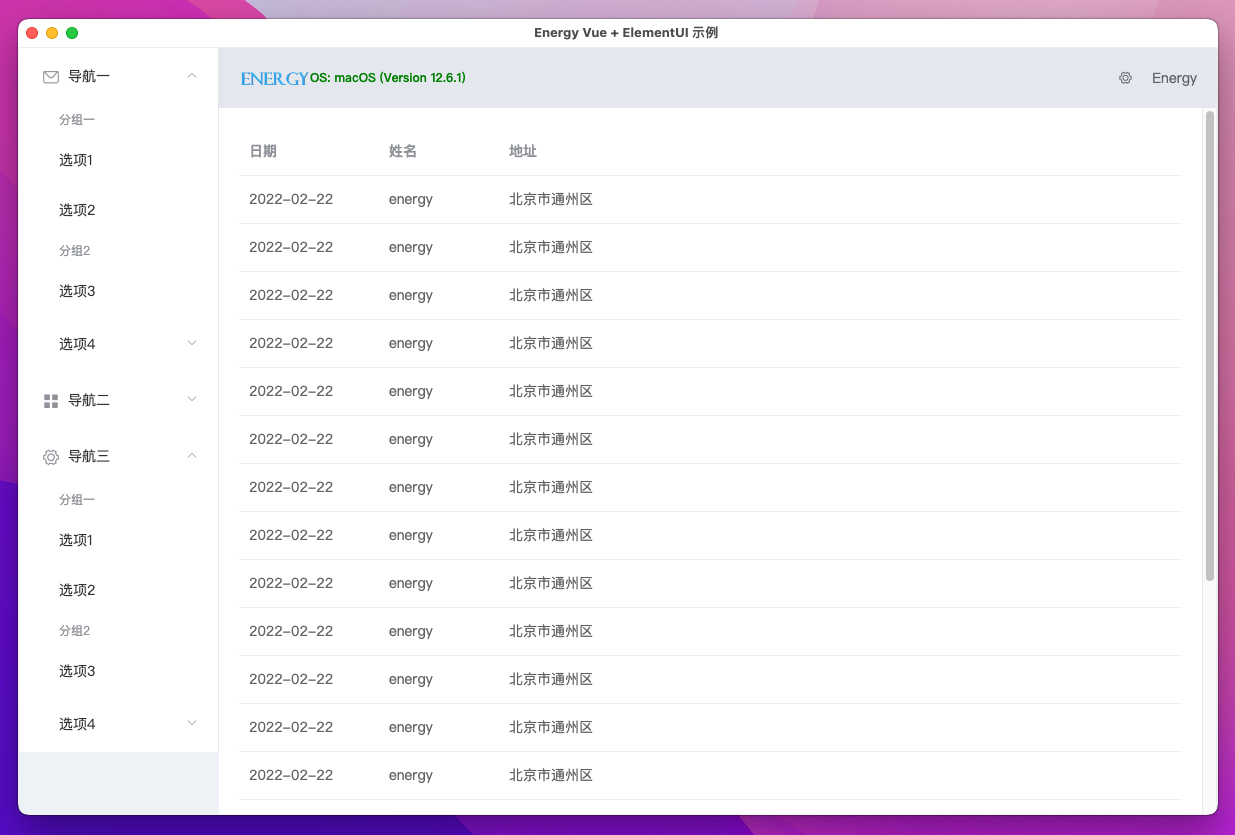 ----
### Public License
[](http://www.apache.org/licenses/LICENSE-2.0)
### Contributors
----
### Public License
[](http://www.apache.org/licenses/LICENSE-2.0)
### Contributors
