 # Contents
* [About](#about)
* [Demo Video](#demo-video)
* [Screenshots](#screenshots)
* [How to use?](#how-to-use)
* [Android](#android)
* [iOS](#ios)
* [Web](#web)
* [Examples](#examples)
* [Quick Example](#quick-example)
* [TeXView Document](#texview-document-example)
* [TeXView Markdown](#texview-markdown-example)
* [TeXView Quiz](#texview-quiz-example)
* [TeXView Custom Fonts](#texview-custom-fonts-example)
* [TeXView Image and Video](#texview-image-and-video-example)
* [TeXView InkWell](#texview-inkwell-example)
* [Complete Example](#complete-example)
* [Demo Application](#application-demo)
* [Demo Web](#web-demo)
* [Api Changes](#api-changes)
* [Api Usage](#api-usage)
* [Todo](#to-do)
* [Cautions](#cautions)
# About
A Flutter Package to render **fully offline** so many types of equations and expressions based on **LaTeX** , **TeX** and **MathML**, most commonly used are as followings:
- **Mathematics / Maths Equations and expressions** (Algebra, Calculus, Geometry, Geometry etc...)
- **Physics Equations and expressions**
- **Signal Processing Equations and expressions**
- **Chemistry Equations and expressions**
- **Statistics / Stats Equations and expressions**
- It also includes full **HTML** with **JavaScript** support.
# How it works?
Basically it's a flutter dart wrapper around the most powerful JavaScript libraries [MathJax](https://github.com/mathjax/MathJax) and [Katex](https://github.com/KaTeX/KaTeX) which render the equations in [webview_flutter_plus](https://pub.dartlang.org/packages/webview_flutter_plus).
# Demo Video
## [Click to Watch Demo on Youtube](https://www.youtube.com/watch?v=YiNbVEXV_NM)
# Screenshots
Fonts Sample |Quiz Sample | TeX Document
:-------------:|:-------------:|:-------------:
# Contents
* [About](#about)
* [Demo Video](#demo-video)
* [Screenshots](#screenshots)
* [How to use?](#how-to-use)
* [Android](#android)
* [iOS](#ios)
* [Web](#web)
* [Examples](#examples)
* [Quick Example](#quick-example)
* [TeXView Document](#texview-document-example)
* [TeXView Markdown](#texview-markdown-example)
* [TeXView Quiz](#texview-quiz-example)
* [TeXView Custom Fonts](#texview-custom-fonts-example)
* [TeXView Image and Video](#texview-image-and-video-example)
* [TeXView InkWell](#texview-inkwell-example)
* [Complete Example](#complete-example)
* [Demo Application](#application-demo)
* [Demo Web](#web-demo)
* [Api Changes](#api-changes)
* [Api Usage](#api-usage)
* [Todo](#to-do)
* [Cautions](#cautions)
# About
A Flutter Package to render **fully offline** so many types of equations and expressions based on **LaTeX** , **TeX** and **MathML**, most commonly used are as followings:
- **Mathematics / Maths Equations and expressions** (Algebra, Calculus, Geometry, Geometry etc...)
- **Physics Equations and expressions**
- **Signal Processing Equations and expressions**
- **Chemistry Equations and expressions**
- **Statistics / Stats Equations and expressions**
- It also includes full **HTML** with **JavaScript** support.
# How it works?
Basically it's a flutter dart wrapper around the most powerful JavaScript libraries [MathJax](https://github.com/mathjax/MathJax) and [Katex](https://github.com/KaTeX/KaTeX) which render the equations in [webview_flutter_plus](https://pub.dartlang.org/packages/webview_flutter_plus).
# Demo Video
## [Click to Watch Demo on Youtube](https://www.youtube.com/watch?v=YiNbVEXV_NM)
# Screenshots
Fonts Sample |Quiz Sample | TeX Document
:-------------:|:-------------:|:-------------:
 |
| 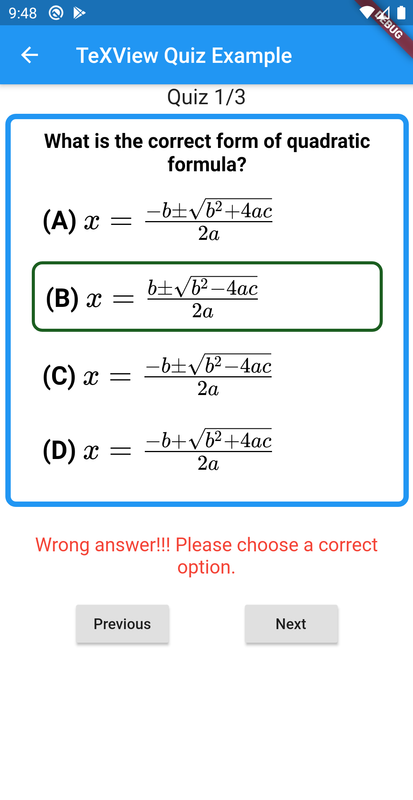 |
| 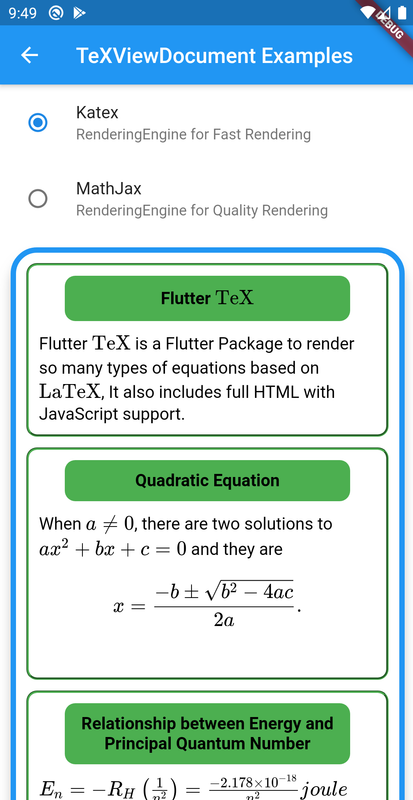 TeX Document | Image & Video | InkWell
:-------------:|:-------------:|:-------------:
TeX Document | Image & Video | InkWell
:-------------:|:-------------:|:-------------:
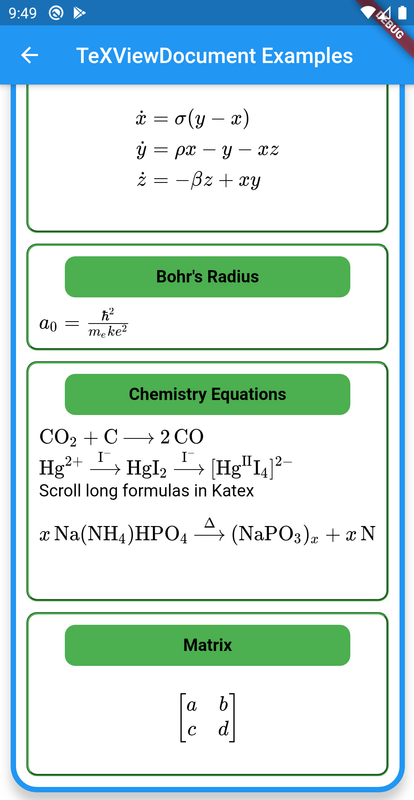 |
| 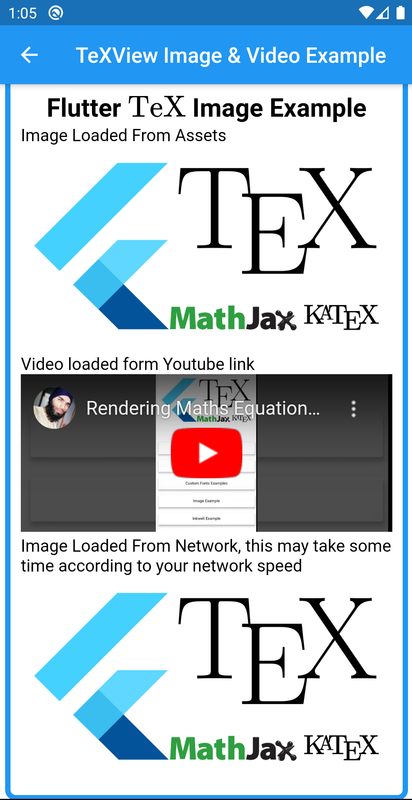 |
| 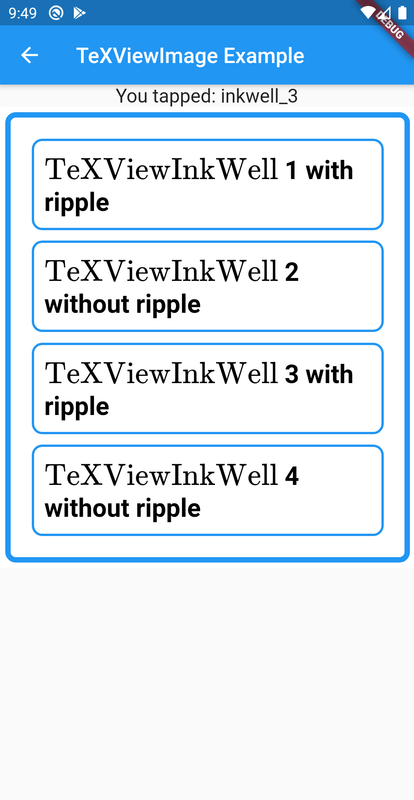 # How to use?
**1:** Add flutter_tex latest [](https://pub.dev/packages/flutter_tex) version under dependencies to your package's pubspec.yaml file.
```yaml
dependencies:
flutter_tex: ^4.0.0```
**2:** You can install packages from the command line:
```bash
$ flutter packages get
```
Alternatively, your editor might support flutter packages get. Check the docs for your editor to learn more.
**3:** Now you need to put the following implementations in `Android`, `iOS`, and `Web` respectively.
### Android
Make sure to add this line `android:usesCleartextTraffic="true"` in your `
# How to use?
**1:** Add flutter_tex latest [](https://pub.dev/packages/flutter_tex) version under dependencies to your package's pubspec.yaml file.
```yaml
dependencies:
flutter_tex: ^4.0.0```
**2:** You can install packages from the command line:
```bash
$ flutter packages get
```
Alternatively, your editor might support flutter packages get. Check the docs for your editor to learn more.
**3:** Now you need to put the following implementations in `Android`, `iOS`, and `Web` respectively.
### Android
Make sure to add this line `android:usesCleartextTraffic="true"` in your `Flutter \( \rm\\TeX \)
""", style: TeXViewStyle(textAlign: TeXViewTextAlign.Center)), TeXViewContainer( child: TeXViewImage.network( 'https://raw.githubusercontent.com/shah-xad/flutter_tex/master/example/assets/flutter_tex_banner.png'), style: TeXViewStyle( margin: TeXViewMargin.all(10), borderRadius: TeXViewBorderRadius.all(20), ), ), TeXViewDocument(r"""When \(a \ne 0 \), there are two solutions to \(ax^2 + bx + c = 0\) and they are $$x = {-b \pm \sqrt{b^2-4ac} \over 2a}.$$
""", style: TeXViewStyle.fromCSS( 'padding: 15px; color: white; background: green')) ]), ) ]), style: TeXViewStyle( elevation: 10, borderRadius: TeXViewBorderRadius.all(25), border: TeXViewBorder.all(TeXViewBorderDecoration( borderColor: Colors.blue, borderStyle: TeXViewBorderStyle.Solid, borderWidth: 5)), backgroundColor: Colors.white, ), ), ) ``` ### TeXView Document Example #### [TeXView Document Example](https://github.com/shah-xad/flutter_tex/blob/master/example/lib/tex_view_document_example.dart) ### TeXView Markdown Example #### [TeXView Markdown Example](https://github.com/shah-xad/flutter_tex/blob/master/example/lib/tex_view_markdown_example.dart) ### TeXView Quiz Example #### [TeXView Quiz Example](https://github.com/shah-xad/flutter_tex/blob/master/example/lib/tex_view_quiz_example.dart) ### TeXView Custom Fonts Example #### [TeXView Custom Fonts Example](https://github.com/shah-xad/flutter_tex/blob/master/example/lib/tex_view_fonts_example.dart) ### TeXView Image and Video Example #### [TeXView Image and Video Example](https://github.com/shah-xad/flutter_tex/blob/master/example/lib/tex_view_image_video_example.dart) ### TeXView InkWell Example #### [TeXView InkWell Example](https://github.com/shah-xad/flutter_tex/blob/master/example/lib/tex_view_ink_well_example.dart) ### Complete Example #### [Complete Example Code](https://github.com/shah-xad/flutter_tex/tree/master/example) # Application Demo. [Demo Source](https://github.com/shah-xad/flutter_tex/tree/master/example)
# Web Demo.
You can find web demo at [https://flutter-tex.web.app](https://flutter-tex.web.app)
# Api Changes.
* Please see [CHANGELOG.md](https://github.com/shah-xad/flutter_tex/blob/master/CHANGELOG.md).
# Api Usage.
- `children:` A list of `TeXViewWidget`
- **`TeXViewWidget`**
- `TeXViewDocument` Holds TeX data by using a raw string e.g. `r"""$$x = {-b \pm \sqrt{b^2-4ac} \over 2a}.$$
[Demo Source](https://github.com/shah-xad/flutter_tex/tree/master/example)
# Web Demo.
You can find web demo at [https://flutter-tex.web.app](https://flutter-tex.web.app)
# Api Changes.
* Please see [CHANGELOG.md](https://github.com/shah-xad/flutter_tex/blob/master/CHANGELOG.md).
# Api Usage.
- `children:` A list of `TeXViewWidget`
- **`TeXViewWidget`**
- `TeXViewDocument` Holds TeX data by using a raw string e.g. `r"""$$x = {-b \pm \sqrt{b^2-4ac} \over 2a}.$$"""` You can also put HTML and Javascript code in it. - `TeXViewMarkdown` Holds markdown data. - `TeXViewContainer` Holds a single `TeXViewWidget` with styling. - `TeXViewImage` renders image from assets or network. - `TeXViewColumn` holds a list of `TeXViewWidget` vertically. - `TeXViewInkWell` for listening tap events. Its child and id is mandatory. - `TeXViewGroup` a group of `TeXViewGroupItem` usually used to create quiz layout. - `TeXViewStyle()` You can style each and everything using `TeXViewStyle()` or by using custom `CSS` code by `TeXViewStyle.fromCSS()` where you can pass hard coded String containing CSS code. For more information please check the example. - `renderingEngine:` Render Engine to render TeX (Default is Katex Rendering Engine). Use **Katex RenderingEngine** for fast render and **MathJax RenderingEngine** for quality render. - `loadingWidgetBuilder:` Show a loading widget before rendering completes. - `onRenderFinished:` Callback with the rendered page height, when TEX rendering finishes. - `onTeXViewCreated:` Callback when TeXView loading finishes. For more please see the [Example](https://github.com/shah-xad/flutter_tex/tree/master/example). # To Do: - ~~Speed Optimizations as it's a bit slow rendering speed. It takes 1-2 seconds to render after application loaded.~~ (Solved by adding Katex Support) - `Bug in Web Support` on `setState` everything disappears. # Cautions: - Please avoid using too many `TeXView` in a single page, because this is based on [webview_flutter_plus](https://pub.dartlang.org/packages/webview_flutter_plus) a complete web browser. Which may cause slowing down your app. I am trying to add all necessary widgets within `TeXView`, So please prefer to use `TeXViewWidget`. You can check [example folder](https://github.com/shah-xad/flutter_tex/tree/master/example) for details. If you find any problem you can [report an issue](https://github.com/shah-xad/flutter_tex/issues/new).