# flutter_3d_controller
**Repository Path**: xmdcy2011/flutter_3d_controller
## Basic Information
- **Project Name**: flutter_3d_controller
- **Description**: No description available
- **Primary Language**: Unknown
- **License**: MIT
- **Default Branch**: master
- **Homepage**: None
- **GVP Project**: No
## Statistics
- **Stars**: 1
- **Forks**: 0
- **Created**: 2026-02-27
- **Last Updated**: 2026-03-18
## Categories & Tags
**Categories**: Uncategorized
**Tags**: None
## README
# Flutter 3D Controller
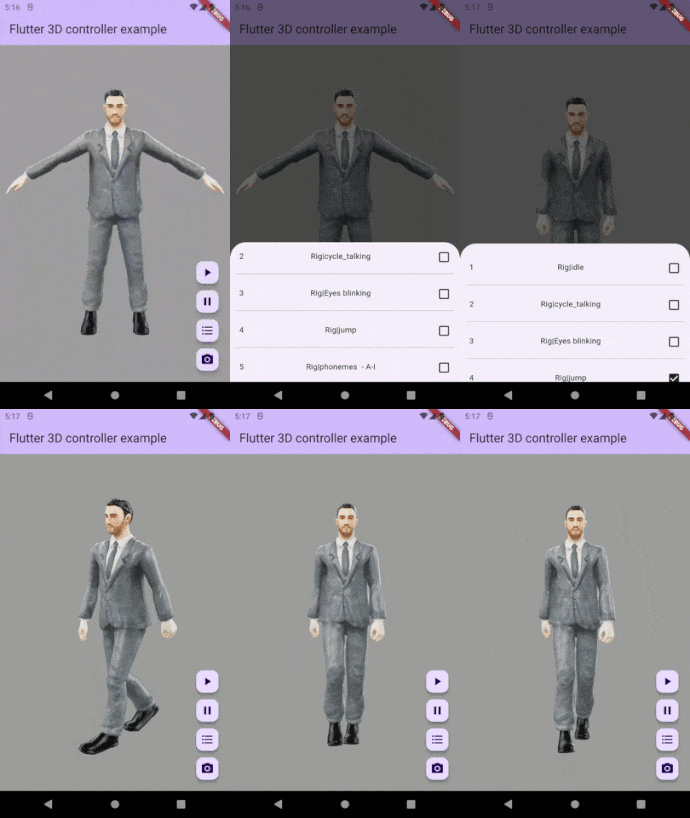
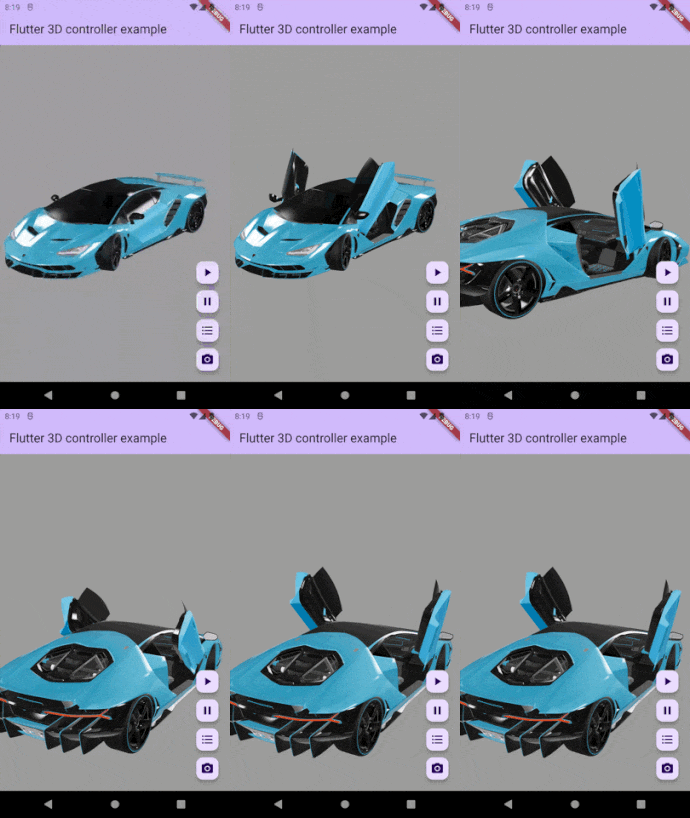
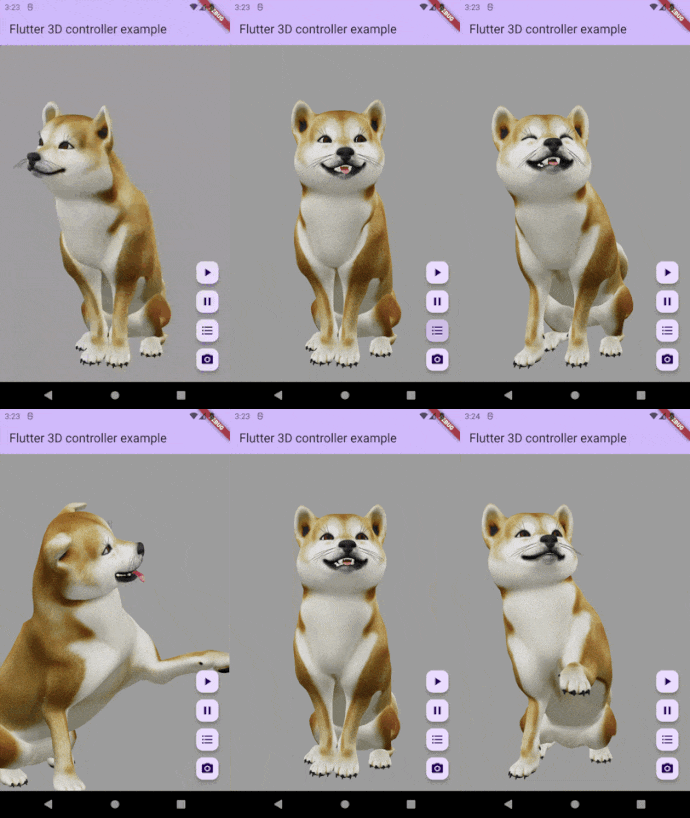
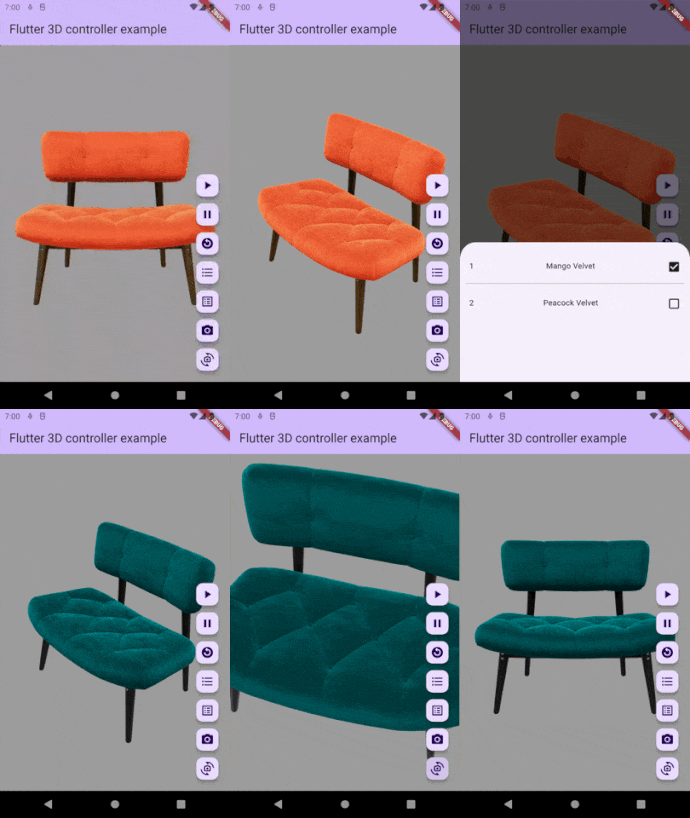
A Flutter package for rendering interactive 3D models in different formats(glb, gltf, fbx, obj), with ability to control animations, textures and camera.
## Features
- Mobile and Web stable version (support glb & gltf format)
- Load 3D model from assets
- Load 3D model from URL
- Play animation
- Switch between animations
- Pause animation
- Reset animation
- Get available animations list
- Switch between textures
- Get available textures list
- Set camera target
- Reset camera target
- Set camera orbit
- Reset camera orbit
- Set default loading progressbar color
## Samples
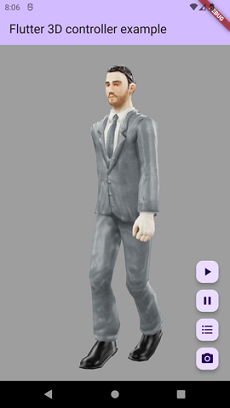
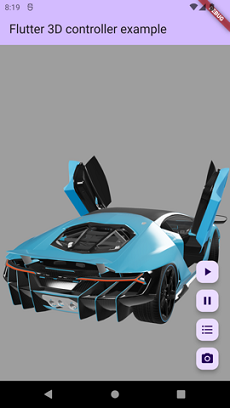
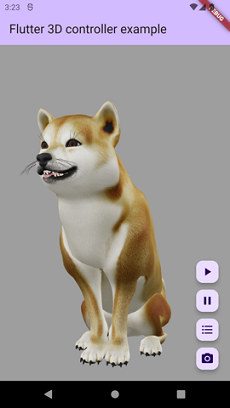
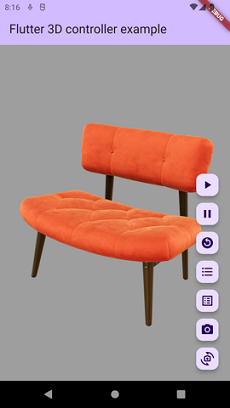
 ## Compatibility
- Android
- iOS
- Web
## Notes
- For now this package only support GLB & glTF format, other 3d formats coming soon.
- Visit the full example to see how to use this package
## Brief Example
```dart
//Create controller object to control 3D model.
Flutter3DController controller = Flutter3DController();
//It will play 3D model animation, you can use it to play or switch between animations.
controller.playAnimation();
//If you pass specific animation name it will play that specific animation.
//If you pass null and your model has at least 1 animation it will play first animation.
controller.playAnimation(animationName: chosenAnimation);
//It will pause the animation at current frame.
controller.pauseAnimation();
//It will reset and play animation from first frame (from beginning).
controller.resetAnimation();
//It will return available animation list of 3D model.
await controller.getAvailableAnimations();
//It will load desired texture of 3D model, you need to pass texture name.
controller.setTexture(textureName: chosenTexture);
//It will return available textures list of 3D model.
await controller.getAvailableTextures();
//It will set your desired camera target.
controller.setCameraTarget(0.3, 0.2, 0.4);
//It will reset the camera target to default.
controller.resetCameraTarget();
//It will set your desired camera orbit.
controller.setCameraOrbit(20, 20, 5);
//It will reset the camera orbit to default.
controller.resetCameraOrbit();
```
```dart
//The 3D viewer widget
Flutter3DViewer(
//If you don't pass progressBarColor the color of defaultLoadingProgressBar will be grey.
//You can set your custom color or use [Colors.transparent] for hiding the loadingProgressBar.
progressBarColor: Colors.blue,
controller: controller,
src: 'assets/business_man.glb', //3D model with different animations
//src: 'assets/sheen_chair.glb', //3D model with different textures
//src: 'https://modelviewer.dev/shared-assets/models/Astronaut.glb', //3D model from URL
)
```
## Installation
### `pubspec.yaml`
```yaml
dependencies:
flutter_3d_controller: ^1.3.1
```
### `AndroidManifest.xml` (Android 9+ only)
To use this widget on Android 9+ devices, your app must be permitted to make an HTTP connection to `http://localhost:XXXXX`.
Android 9 (API level 28) changed the default for [`android:usesCleartextTraffic`] from `true` to `false`,
so you will need to configure your app's `android/app/src/main/AndroidManifest.xml` as follows:
```diff
+ android:label="example"
+ android:usesCleartextTraffic="true">
io.flutter.embedded_views_preview
```
### `web/index.html` (Web only)
Modify the `` tag of your `web/index.html` to load the JavaScript, like so:
```html
```
## More Info
This package use 'Model Viewer' to render 3D models and it may have some issue in rendering some models/textures, the core of package (Model Viewer) will change in future to support all type of 3D models
## Compatibility
- Android
- iOS
- Web
## Notes
- For now this package only support GLB & glTF format, other 3d formats coming soon.
- Visit the full example to see how to use this package
## Brief Example
```dart
//Create controller object to control 3D model.
Flutter3DController controller = Flutter3DController();
//It will play 3D model animation, you can use it to play or switch between animations.
controller.playAnimation();
//If you pass specific animation name it will play that specific animation.
//If you pass null and your model has at least 1 animation it will play first animation.
controller.playAnimation(animationName: chosenAnimation);
//It will pause the animation at current frame.
controller.pauseAnimation();
//It will reset and play animation from first frame (from beginning).
controller.resetAnimation();
//It will return available animation list of 3D model.
await controller.getAvailableAnimations();
//It will load desired texture of 3D model, you need to pass texture name.
controller.setTexture(textureName: chosenTexture);
//It will return available textures list of 3D model.
await controller.getAvailableTextures();
//It will set your desired camera target.
controller.setCameraTarget(0.3, 0.2, 0.4);
//It will reset the camera target to default.
controller.resetCameraTarget();
//It will set your desired camera orbit.
controller.setCameraOrbit(20, 20, 5);
//It will reset the camera orbit to default.
controller.resetCameraOrbit();
```
```dart
//The 3D viewer widget
Flutter3DViewer(
//If you don't pass progressBarColor the color of defaultLoadingProgressBar will be grey.
//You can set your custom color or use [Colors.transparent] for hiding the loadingProgressBar.
progressBarColor: Colors.blue,
controller: controller,
src: 'assets/business_man.glb', //3D model with different animations
//src: 'assets/sheen_chair.glb', //3D model with different textures
//src: 'https://modelviewer.dev/shared-assets/models/Astronaut.glb', //3D model from URL
)
```
## Installation
### `pubspec.yaml`
```yaml
dependencies:
flutter_3d_controller: ^1.3.1
```
### `AndroidManifest.xml` (Android 9+ only)
To use this widget on Android 9+ devices, your app must be permitted to make an HTTP connection to `http://localhost:XXXXX`.
Android 9 (API level 28) changed the default for [`android:usesCleartextTraffic`] from `true` to `false`,
so you will need to configure your app's `android/app/src/main/AndroidManifest.xml` as follows:
```diff
+ android:label="example"
+ android:usesCleartextTraffic="true">
io.flutter.embedded_views_preview
```
### `web/index.html` (Web only)
Modify the `` tag of your `web/index.html` to load the JavaScript, like so:
```html
```
## More Info
This package use 'Model Viewer' to render 3D models and it may have some issue in rendering some models/textures, the core of package (Model Viewer) will change in future to support all type of 3D models