# flutter_scene
**Repository Path**: xmdcy2011/flutter_scene
## Basic Information
- **Project Name**: flutter_scene
- **Description**: No description available
- **Primary Language**: Unknown
- **License**: MIT
- **Default Branch**: remove-native-assets
- **Homepage**: None
- **GVP Project**: No
## Statistics
- **Stars**: 0
- **Forks**: 0
- **Created**: 2026-03-19
- **Last Updated**: 2026-03-19
## Categories & Tags
**Categories**: Uncategorized
**Tags**: None
## README

Scene: 3D library for Flutter


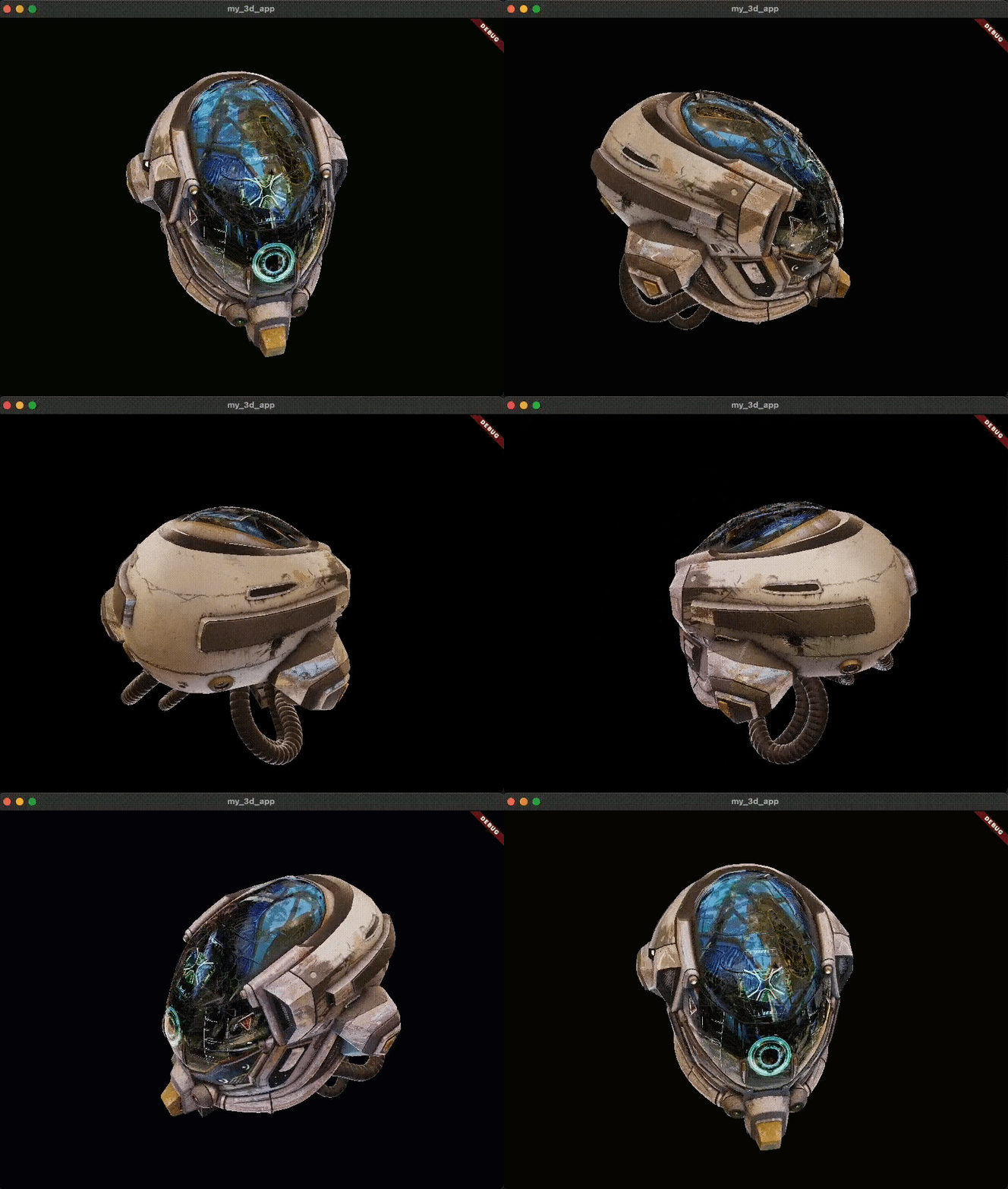
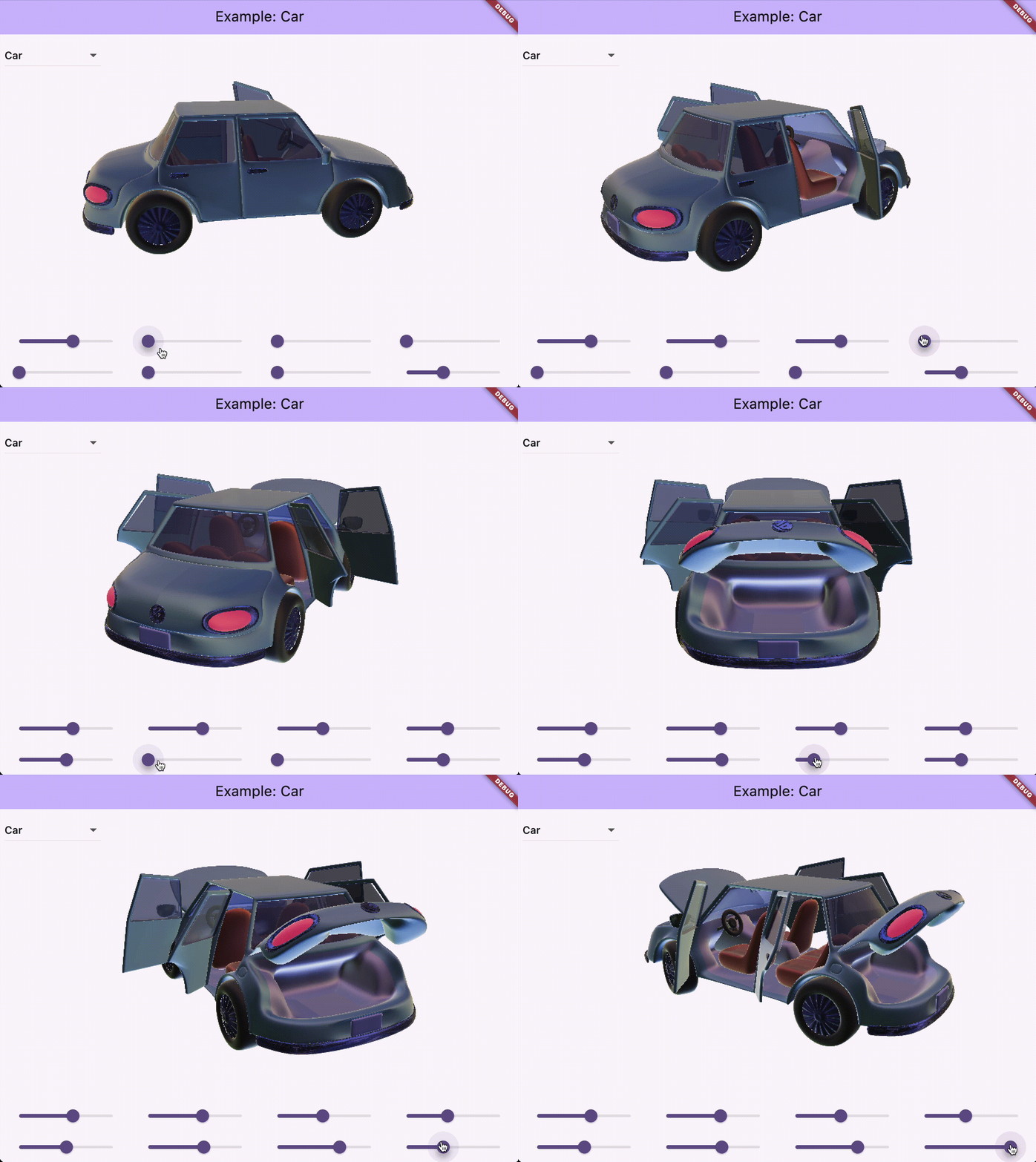
Scene is a general purpose realtime 3D rendering library for Flutter. It started life as a C++ component of the Impeller rendering backend in Flutter Engine, and is currently being actively developed as a pure Dart package powered by the Flutter GPU API.
The primary goal of this project is to make performant cross platform 3D easy in Flutter.
Examples App — Example Game — Docs — FAQ
---

## Early preview! ⚠️
- This package is in an early preview state. Things may break!
- Relies on [Flutter GPU](https://github.com/flutter/flutter/blob/main/engine/src/flutter/docs/impeller/Flutter-GPU.md) for rendering, which is also in preview state.
- This package currently only works when [Impeller is enabled](https://docs.flutter.dev/perf/impeller#availability).
- This package uses manual build scripts to compile shaders and convert 3D models (see [Building assets](#building-assets) below).
- Given the reliance on non-production features, switching to the [master channel](https://docs.flutter.dev/release/upgrade#other-channels) is recommended when using Flutter Scene.
## Features
* glTF (.glb) asset import.
* PBR materials.
* Environment maps/image-based lighting.
* Blended animation system.
## FAQ
### **Q:** What platforms does this package support?
`flutter_scene` supports all platforms that [Impeller](https://docs.flutter.dev/perf/impeller#availability) currently supports.
On iOS and Android, Impeller is Flutter's default production renderer. So on these platforms, `flutter_scene` works without any additional project configuration.
On MacOS, Windows, and Linux, Impeller is able to run, but is not on by default and must be enabled. When invoking `flutter run`, Impeller can be enabled by passing the `--enable-impeller` flag.
| Platform | Status |
| ---------------: | :-------------- |
| iOS | 🟢 Supported |
| Android | 🟢 Supported |
| MacOS | 🟡 Preview |
| Windows | 🟡 Preview |
| Linux | 🟡 Preview |
| Web | 🔴 Not Supported |
| Custom embedders | 🟢 Supported |
### **Q:** When will web be supported?
Although there has been some very promising experimentation with porting Impeller to web, there is currently no ETA on web platform support.
Web is an important platform, and both `flutter_gpu` and `flutter_scene` will eventually support Flutter web.
### **Q:** I'm seeing errors when running the importer: `ProcessException: No such file or directory`. How do I fix it?
Install [CMake](https://cmake.org/download/).
## Building assets
Flutter Scene uses manual build scripts instead of the experimental `native_assets` feature.
### Convert .glb models to .model files
Run the following command from your Flutter app's package directory (where `pubspec.yaml` lives):
```sh
dart run flutter_scene_importer:import \
--input path/to/your_model.glb \
--output assets/models/your_model.model \
--working-directory .
```
Repeat for each `.glb` file. Make sure the output directory is declared in your `pubspec.yaml` assets:
```yaml
flutter:
assets:
- assets/models/
```
Then load the model at runtime:
```dart
final node = await Node.fromAsset('assets/models/your_model.model');
```
### Build shader bundles (flutter_scene contributors only)
If you're working on the `flutter_scene` package itself and need to rebuild the shader bundle:
```sh
dart run tool/build_assets.dart
```
This compiles `shaders/base.shaderbundle.json` using `impellerc` from the Flutter SDK and regenerates the flatbuffer Dart bindings.