# WeChatPayScaffolding
**Repository Path**: yangbuyi/WeChatPayScaffolding
## Basic Information
- **Project Name**: WeChatPayScaffolding
- **Description**: 使用微信官方文档对接微信支付
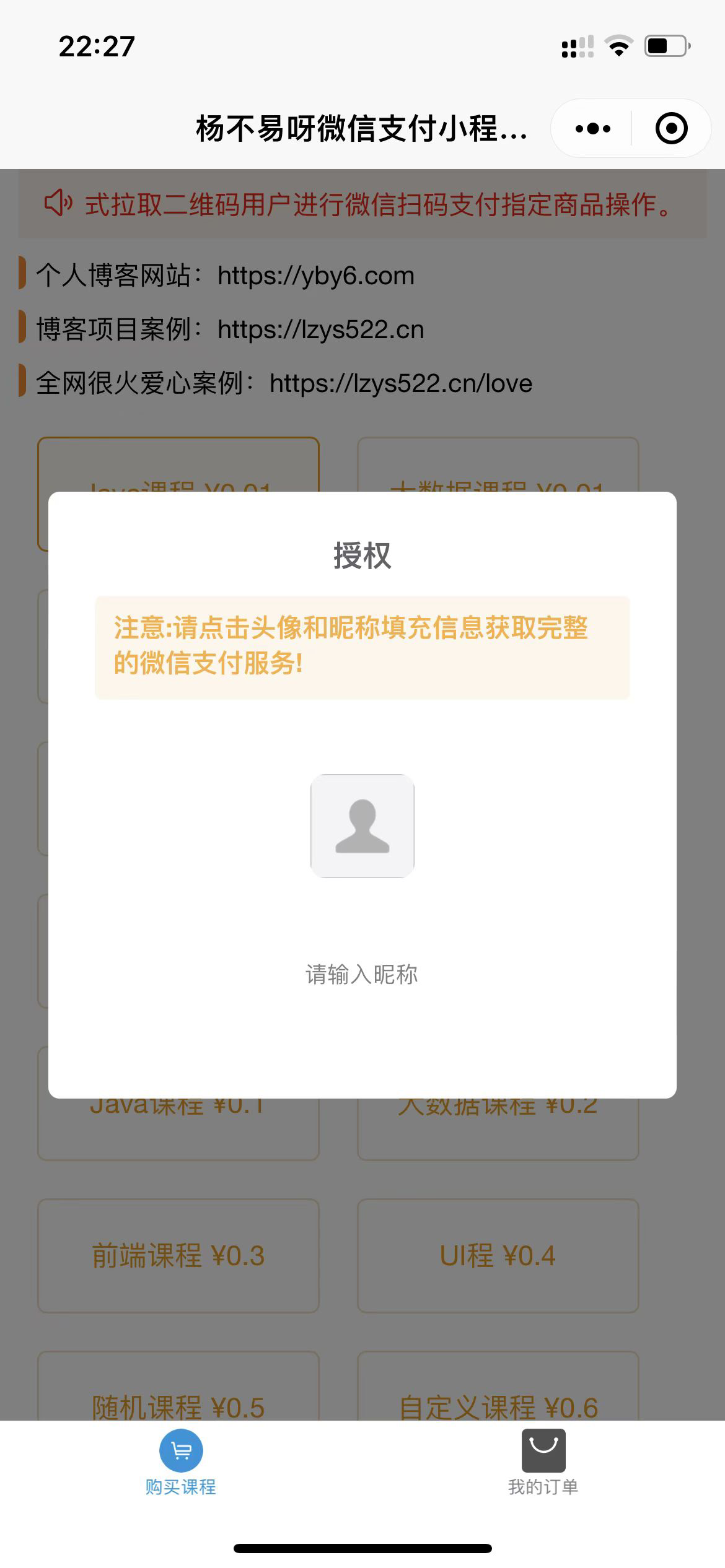
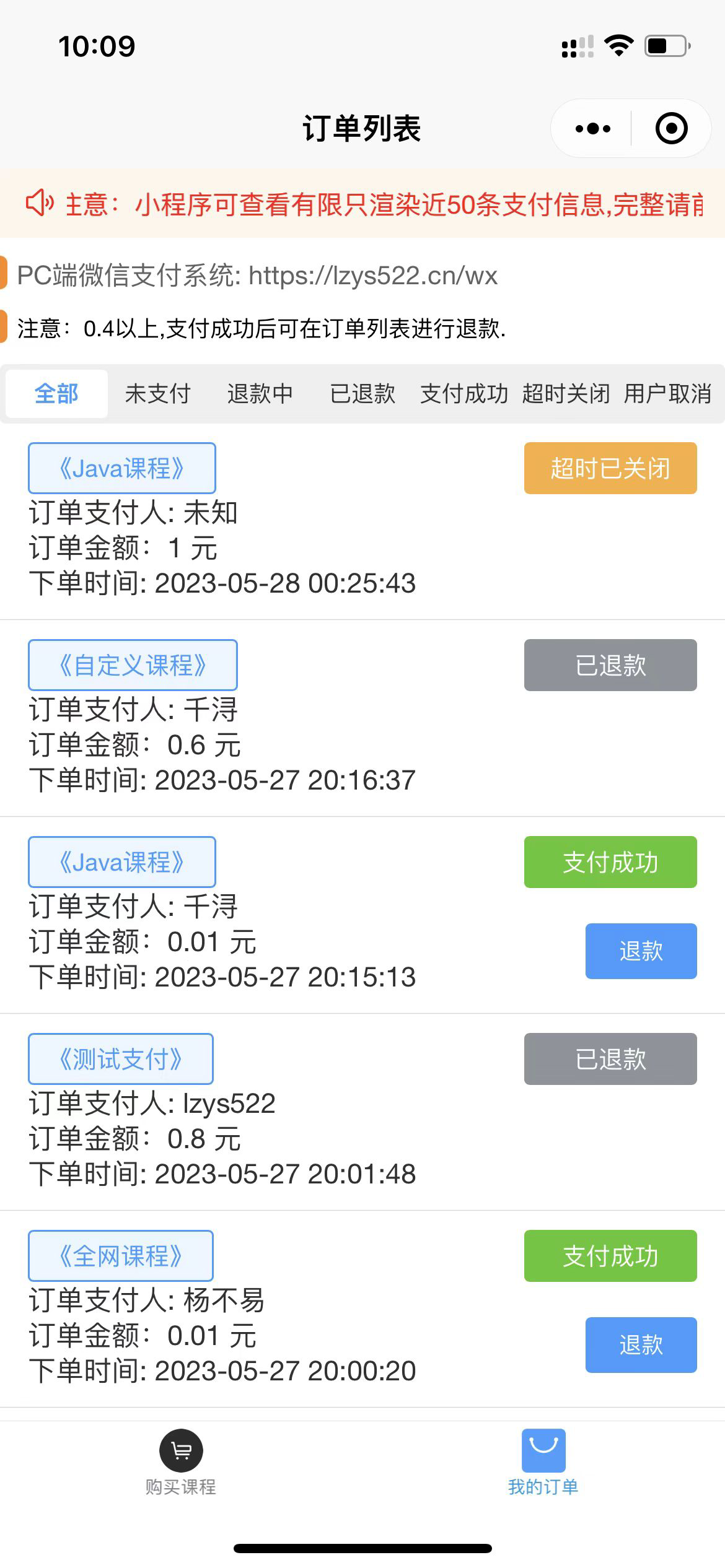
内置vue3+vite前端使用微信官方原生接口对接native v3 v2,jsapi v3
内置小程序端 uniapp
示例:使用快速对接神器IJPay对接jsapi v3
- **Primary Language**: Java
- **License**: MIT
- **Default Branch**: master
- **Homepage**: https://lzys522.cn/wx
- **GVP Project**: No
## Statistics
- **Stars**: 19
- **Forks**: 4
- **Created**: 2023-05-21
- **Last Updated**: 2024-09-06
## Categories & Tags
**Categories**: Uncategorized
**Tags**: None
## README
# Play WeChat payment from zero
### Companion Articles
[Go to Yuque, enter My Garden, drop down and select Knowledge Base to find the tutorial on the series of articles from Zero Play to WeChat Pay](https://www.yuque.com/troubles)
### introduce
Use WeChat Official Documents to Connect to WeChat Payment
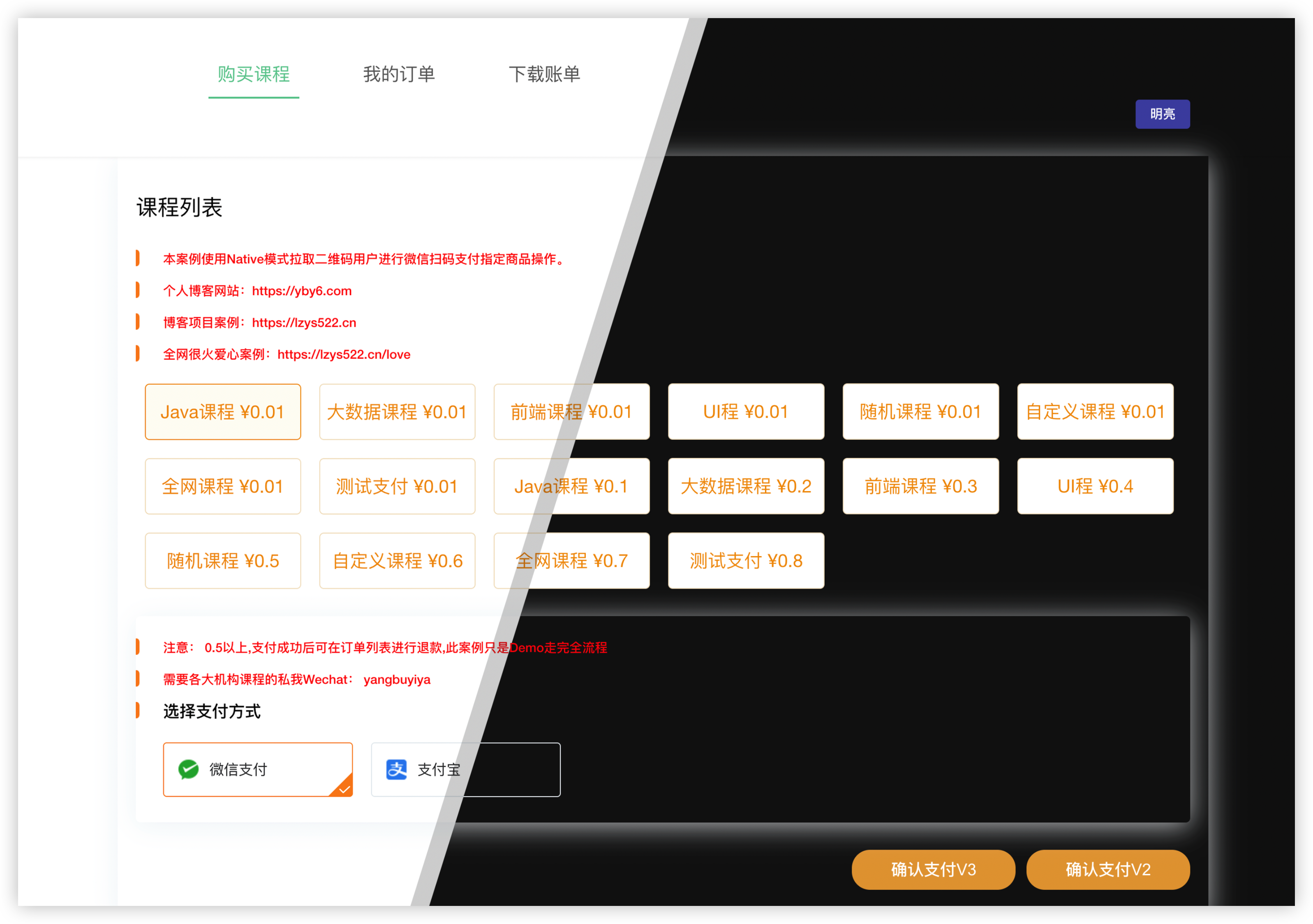
The built-in vue3+vite front-end uses WeChat official native interface to dock with native v3 v2
The built-in applet uses the quick connection artifact IJPay to connect to jsapi v3
Synchronous update: code cloud [GITEE](https://gitee.com/yangbuyi/wxDemo) foreign [GITHUB](https://github.com/yangbuyiya/wxDemo)
### Software Architecture
front end vue3 + vite + element plus
applet uniapp
Backend boot 2.x + mybatis plus + mysql
### Installation Tutorial
1. Copy all the merchant certificates to the **resources** directory
2. Download the WeChat platform certificate (not the merchant certificate)
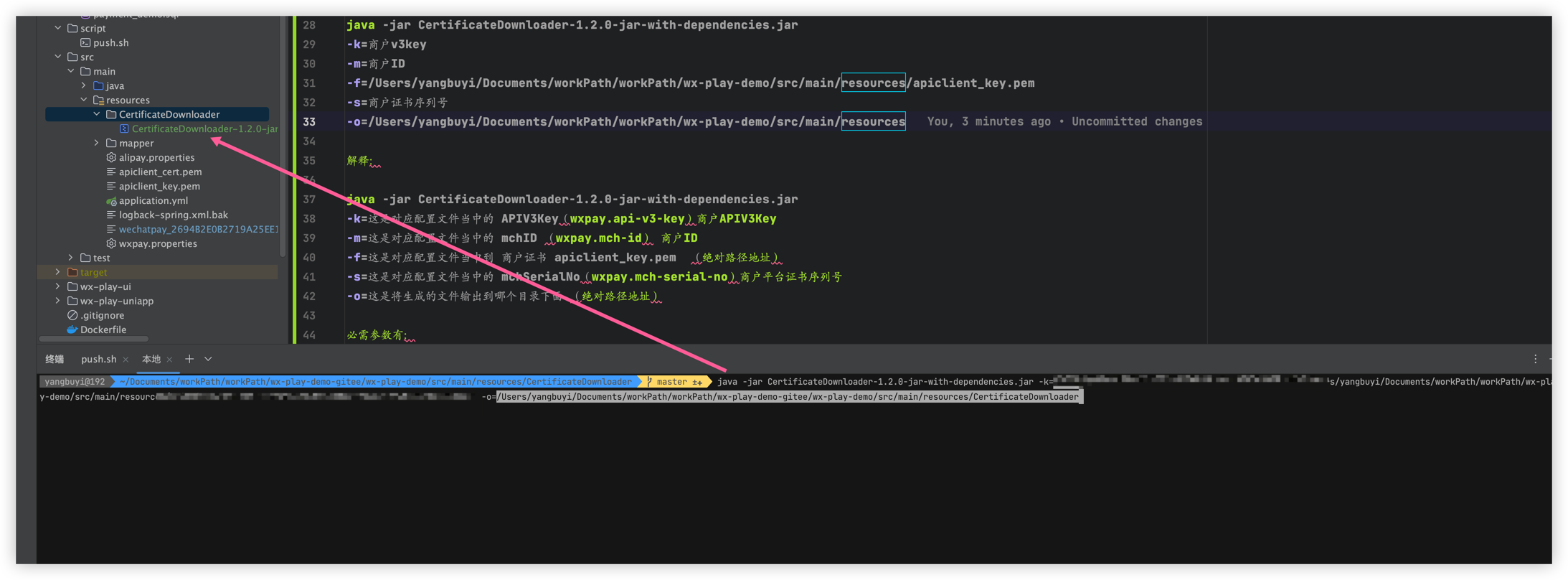
#### 2.1 Certificate Downloader
Certificate Downloader is a command-line download tool for the Java WeChat Payment APIv3 platform certificate.
#### Quick Start
The tool has been packaged via Maven as
CertificateDownloader.jar, available for download in [release ](https://github.com/EliasZzz/CertificateDownloader/releases).
After downloading the jar package, if you do not have a certificate, the command to download the certificate for the first time is as follows
```bash
java -jar CertificateDownloader.jar -k ${apiV3key} -m ${mchId} -f ${mchPrivateKeyFilePath} -s ${mchSerialNo} -o ${outputFilePath}
Example:
java -jar CertificateDownloader-1.2.0-jar-with-dependencies.jar
-k=merchant v3key
-m=Merchant ID
-f=/Users/yangbuyi/Documents/workPath/workPath/wx-play-demo/src/main/resources/apiclient_key.pem
-s=merchant certificate serial number
-o=/Users/yangbuyi/Documents/workPath/workPath/wx-play-demo/src/main/resources
explain:
java -jar CertificateDownloader-1.2.0-jar-with-dependencies.jar
-k=This is the APIV3Key (wxpay.api-v3-key) merchant APIV3Key in the corresponding configuration file
-m=This is the mchID (wxpay.mch-id) merchant ID in the corresponding configuration file
-f=This is the merchant certificate apiclient_key.pem (absolute path address) in the corresponding configuration file
-s=This is the mchSerialNo (wxpay.mch-serial-no) merchant platform certificate serial number in the corresponding configuration file
-o=This is the directory under which the generated files will be output (absolute path address)
The required parameters are:
- `-f `, Merchant API private key file path
- `-k `, key for certificate decryption
- `-m `, merchant ID
- `-o `, the path to save the certificate
- `-s `, the serial number of the merchant API certificate
```
### Backend configuration
1.1 Go to wxpay.properties and configure the corresponding WeChat configuration
1.2 Go to application.yml and configure the database link information
### PC side configuration
1. vite.config.js configure your backend request url
### uniapp applet configuration
1.1 Use HBuilder software to import wx-play-uniapp
1.2 Modify the backend corresponding to appId
1.3 Modify wx-play-uniapp/utils/request.js request path baseUrl
### Local payment callback debugging
1. Use the intranet penetration tool to proxy the backend port
2. Modify the corresponding baseUrl in the previous paragraph
# WeChat group chat
Search `BN_Tang` on WeChat, add friends and note WeChat payment invitation to join the group answer
 # PC demo
[Go to](https://lzys522.cn/wx/)
# uniapp applet demo
# PC demo
[Go to](https://lzys522.cn/wx/)

# uniapp applet demo